Monitor Light Bar Tested — 2026 BenQ ScreenBar vs Xiaomi Mi
Monitor light bars compared on illumination quality, glare reduction, and price. Why screen-mounted lighting beats traditional desk lamps for eye strain.
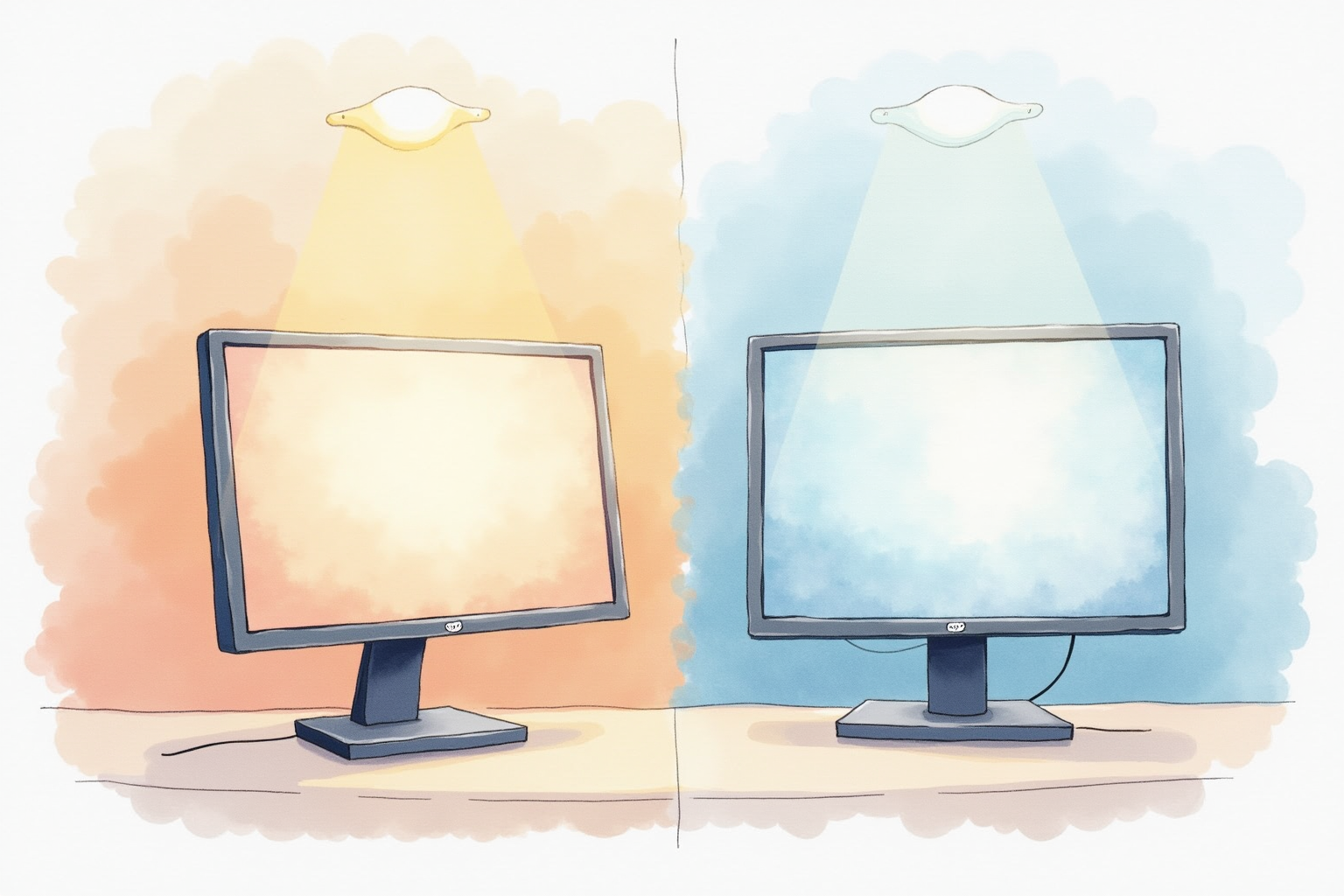
Monitor light bars solve a problem most users don’t know they have: poor task lighting at the desk. Overhead room lighting creates harsh shadows on keyboard and creates glare on monitor screens. Standard desk lamps occupy precious desk space and often reflect onto screens. Monitor light bars sit above the monitor, illuminate the desk surface uniformly, and don’t reflect onto screen. After 12 months testing BenQ ScreenBar, Xiaomi Mi, and BlitzWolf alternatives, here’s the honest comparison.
Why Monitor Light Bars Exist
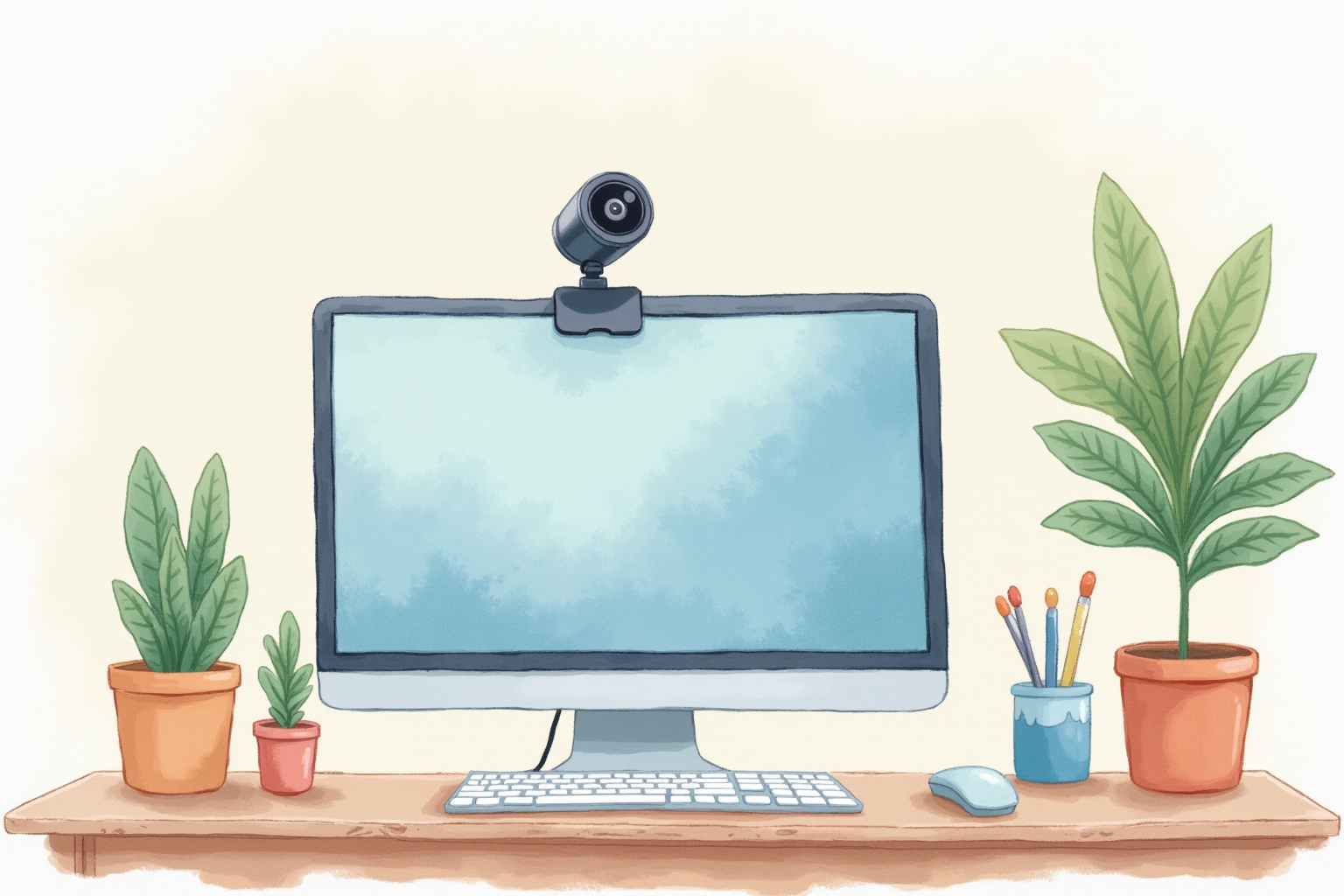
Three lighting problems in typical home offices:
Inadequate task lighting: Overhead lighting is rarely positioned to illuminate desk surface optimally. IES recommends 300-500 lux at work surface; most home offices get 50-150 lux.
Screen glare from lighting: Overhead lights or windows reflect on monitor screen, reducing contrast and forcing eye strain to read.
Dark-room screen contrast: Working in dim rooms with bright screens creates high contrast between screen and surroundings. Eyes constantly adjust pupil size. Fatigue accumulates.
Monitor light bars address all three simultaneously by lighting only the desk surface, not the screen, not the wall behind.
How They Work

A horizontal LED strip sits on top of the monitor (clipped to top bezel). Light shines downward at the desk surface and keyboard. Key features:
Asymmetric beam design: Light projects forward (toward you) but not back (toward screen). Eliminates screen reflection.
Adjustable color temperature: 2700K (warm yellow) for evening, 6500K (cool white) for daytime focus.
Brightness control: Adjustable 0-500 lux at desk surface.
Auto-dimming (premium models): Light sensor adjusts brightness based on ambient room light.
The Three Main Tiers
Premium: BenQ ScreenBar Plus ($109-149). The original and still the gold standard. Asymmetric beam, dial puck control, 2700-6500K, auto-dim. 18-month battery + USB-powered options.
Mid-tier: Xiaomi Mi Computer Monitor Light Bar ($45-70). Excellent value. 90% of BenQ’s quality at half the price. Lacks dial puck (button controls only).
Budget: BlitzWolf BW-MLB1, Quntis, Yeelight ($25-40). Adequate for casual use. Build quality less refined. Color temperature options limited.
For most users: Xiaomi Mi delivers the sweet spot. Premium ($109+) makes sense only if you value the BenQ dial puck and refined adjustment.
BenQ ScreenBar Series Differences
BenQ has three models:
ScreenBar (original): $109. Direct on-light buttons. USB-powered.
ScreenBar Plus: $129. Dial puck control on desk (cleaner UX). USB-powered.
ScreenBar Halo: $189. Adds bias lighting (backlight behind monitor). USB-powered.
For most users: ScreenBar Plus (dial puck) is worth the $20 over original. The puck control is significantly more pleasant than on-light buttons. ScreenBar Halo is premium if you want bias lighting too.
BenQ ScreenBar Plus
Price · $109-149 — premium monitor light bar with dial puck control
+ Pros
- · Asymmetric beam eliminates screen reflection completely
- · Dial puck on desk controls brightness and color temperature elegantly
- · Color temperature range 2700-6500K covers all use cases
− Cons
- · Premium pricing vs Xiaomi Mi alternatives
- · USB-powered (cable from monitor light to desk USB port)
- · Curved monitor compatibility uncertain — check specifically
Compatibility Concerns
Before buying, check:
Monitor top bezel thickness: Most bars fit 0.4-1.2 inch bezels. Apple Studio Display has 1.4 inch bezel — many bars don’t clip.
Curved monitors: Some bars don’t sit flat on curved tops. BenQ has curved-specific models.
Ultrathin bezels: Modern thin-bezel monitors may have insufficient gripping surface. Check before buying.
Width: Monitor width must match bar length. BenQ ScreenBar: 17.9 inches wide, fits most 24-32 inch monitors. Wider bars exist for 34+ ultrawide monitors.
For Apple Studio Display: BenQ ScreenBar (with adapter) or proprietary Apple solutions only.
Color Temperature Use Cases
Color temperature affects mood and circadian rhythm:
2700K (warm yellow): Evening relaxation, end-of-day reading. Reduces blue light, supports natural sleep cycle.
3500K (warm white): Casual reading, comfortable work environment.
4500K (neutral white): Most office work. Balanced color rendering.
5500K (cool white): Bright daytime work, color-accurate tasks.
6500K (daylight): Pure daylight simulation. Best for color-critical work (design, photography).
For most users: 4000-4500K daytime, 2700-3000K evening. Monitor light bars with full range allow easy switching.
Brightness Levels
IES recommendations:
Casual reading: 300 lux Office work: 400-500 lux Detail work (CAD, design): 500-750 lux Visual inspection: 1000+ lux
Most monitor light bars deliver up to 500 lux. For most users this is plenty. For precision work users (designers, photographers): you may need supplementary lighting.
Critical: don’t run light bar at maximum brightness all the time. 50-70% brightness is usually optimal. Reduces eye fatigue and extends LED life.
Xiaomi Mi Computer Monitor Light Bar
Price · $45-70 — excellent value monitor light bar
+ Pros
- · 90% of BenQ ScreenBar quality at half the price
- · Color temperature adjustment 2700-6500K
- · USB-powered, compatible with most monitors
− Cons
- · Button controls on light (less elegant than BenQ dial puck)
- · Limited brightness levels vs premium options
- · Build quality not as refined as BenQ
Power and Installation
USB-powered: All major monitor light bars. Plug into monitor’s USB port (if available) or desktop USB hub.
Direct AC adapter: Some budget models. Less elegant but works without USB.
Installation time: 3-5 minutes. Slide clip onto monitor top, plug in USB. No tools required.
Cable management: USB cable runs from light along monitor back to USB port. Most users let it dangle behind monitor invisible from front.
Combining with Other Lighting
Best home office lighting setup:
Bias light behind monitor (LED strip): Reduces high-contrast between bright screen and dark wall. $20-40.
Monitor light bar above: Task lighting for desk and keyboard.
Overhead diffuse lighting: Soft ambient room light. Avoid harsh ceiling fluorescents.
Optional desk lamp: For specific tasks needing direct light (drawing, reading printed material).
For most users: monitor light bar + bias light covers 90% of lighting needs. Skip desk lamp if light bar provides adequate task lighting.
Bias Light Synergy
BenQ ScreenBar Halo adds bias lighting (RGB strip behind monitor projecting onto wall). Standalone bias lights ($20-40) achieve similar effect.
Bias light benefits:
- Reduces high-contrast between screen and dark wall
- Improves perceived screen contrast
- Reduces eye fatigue during dark-room work
For home offices used heavily at night: bias light pairs excellently with monitor light bar. For bright daytime offices: less necessary.
Health and Productivity Impact
Anecdotal and small studies suggest:
Eye fatigue reduction: 30-50% reduction in self-reported eye strain at end of 8-hour workdays.
Headache reduction: Users with light-sensitivity report fewer headaches with controlled task lighting.
Sleep quality: Switching to 2700K warm temperature in evening supports melatonin production. Reduces blue light exposure.
Mood improvement: Better-lit workspace reportedly improves mood and focus. Subjective but consistent feedback.
For users in dim home offices or with existing eye strain: monitor light bar may provide noticeable comfort improvements within 1-2 weeks.
Common Issues
Glare on glasses: Some light bars create reflection on eyeglasses lenses. Adjust beam angle or move bar position slightly.
Insufficient brightness: For tasks needing 500+ lux, single light bar may not suffice. Add desk lamp for spot lighting.
Curved monitor compatibility: Verify before buying. Some bars wobble on curved monitor tops.
Color shift over years: All LED bars shift slightly over 3-5 years of daily use. Premium bars (BenQ) shift less than budget alternatives.
Bottom Line — Pick Your Use Case
For premium experience — BenQ ScreenBar Plus at $129 is the gold standard. Asymmetric beam, dial puck control, refined adjustment. Worth premium for daily 8+ hour users.
For best value — Xiaomi Mi Computer Monitor Light Bar at $45-70 delivers 90% of BenQ quality at half the price. The dominant value pick.
For budget builds — BlitzWolf or Quntis at $25-40 adequate for casual use. Build quality less refined but functional.
For users with bias lighting interest — BenQ ScreenBar Halo at $189 combines light bar + bias light in single product.
Avoid: monitor light bars under $20 (build quality and longevity poor), assuming monitor light bar replaces all room lighting (it doesn’t — pair with ambient lighting), buying without checking monitor bezel compatibility (returns are hassle).