Why shared inbox phishing is different
A shared inbox creates two risks that personal phishing advice often misses. More than one person can open the same message, and more than one person can accidentally destroy the evidence needed to understand it. A good triage process gives the first reader a safe script: do not click, do not reply, do not forward the message to a personal account, and do not paste credentials into a chat thread. The goal is to preserve enough context for the security owner while preventing the message from becoming a team rumor.

The five-minute triage lane
| Step | Owner | Evidence to keep | Common mistake |
|---|---|---|---|
| Freeze | First reader | Message ID, sender, subject, received time | Clicking to “see what it is” |
| Label | Inbox owner | Internal label such as suspicious-review | Marking it as solved before review |
| Escalate | Security/admin owner | Header export or platform submission | Forwarding to a private mailbox |
| Contain | Account owner | Affected account list | Resetting random passwords without scope |
| Learn | Team lead | Short note after review | Blaming one employee instead of improving workflow |
What not to share in chat
Do not paste full links, one-time codes, session cookies, customer records, or private attachments into the team channel. If a screenshot is necessary, crop it to remove customer data and secrets. Better yet, use the mail platform’s official reporting/submission flow when available. Admin consoles and security tools usually preserve headers and routing metadata better than manual screenshots.
Recovery checks after a click
If someone clicked a link or entered credentials, the response changes from triage to incident handling. Confirm which account was involved, whether MFA or passkeys protected the login, whether forwarding rules changed, whether OAuth app grants were added, and whether the suspicious message was sent onward from the account. The team should document the time range before deleting anything so logs remain interpretable.
Tool selection criteria
A good shared-inbox workflow tool should support role-based access, audit logs, message labels, platform-native reporting, and a way to separate suspected phishing from normal customer tickets. Avoid workflows that require every employee to download attachments locally or forward questionable mail to personal accounts.



Source check and trust boundary
This guide was prepared on 2026-06-28 against current public pages from CISA, CISA, CISA, FTC. It is intentionally conservative: it does not ask readers to upload private records, post screenshots, or treat a blog checklist as professional advice. The safest use is to print the checklist, remove details that are not needed by the person receiving it, and keep account numbers, medical identifiers, exact travel documents, and child-identifying data out of casual messages.
Quick decision table
| Situation | Do now | Do not do |
|---|---|---|
| The plan depends on an official rule | Open the current official page and note the date checked | Rely on memory from a previous year |
| A helper needs context | Share only the minimum facts needed for the task | Send full account, medical, child, or credential data |
| Something does not match the checklist | Pause, save evidence, and ask the responsible provider or authority | Guess, improvise, or delete the only record |
| The issue affects safety, money, access, or travel | Escalate early and document who owns the next step | Treat it as a normal convenience problem |
Final review checklist
- Confirm the official source pages still match the assumptions in this article.
- Keep one private copy of the plan and one simplified copy for helpers.
- Remove screenshots, IDs, labels, and account details before sharing.
- Decide who is allowed to change the plan when a delay, substitute, or emergency appears.
- Revisit the checklist after the trip, program, payment cycle, or incident and improve the next version.
FAQ
Why are the images intentionally blank and label-free?
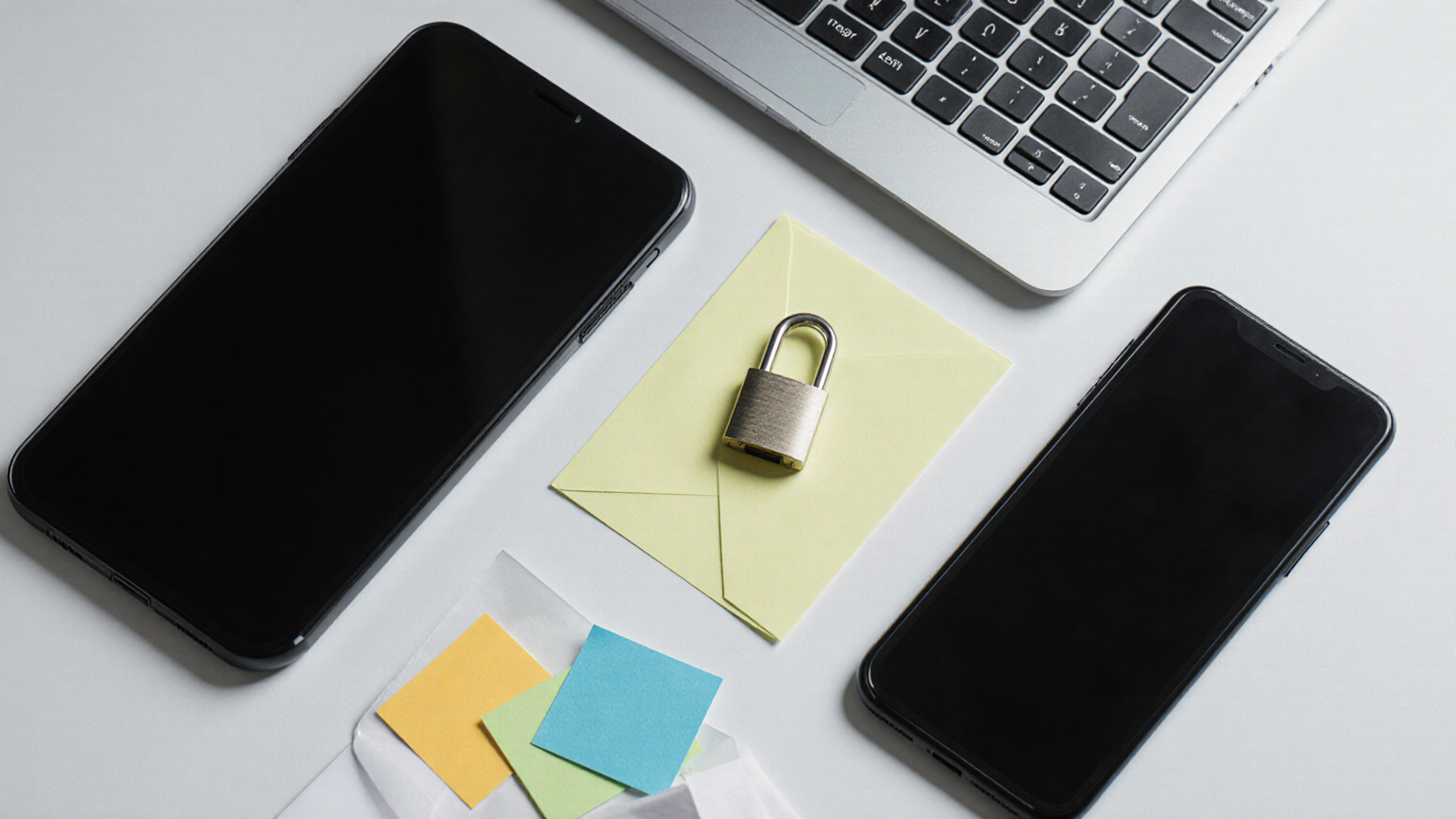
The illustrations avoid readable screens, labels, forms, prescriptions, and account details so the page does not teach readers to expose private information. The real work belongs in native tables and checklists, not in AI-generated text embedded inside pictures.
What should I save as proof?
Save dates, official confirmation numbers when the official service provides them, a short note about who was contacted, and the version of the plan used. Do not create extra copies of sensitive records just to make the checklist look complete.