Standing Desk Converter Tested — 2026 Varidesk and FlexiSpot
Standing desk converters compared on stability, lift mechanism, monitor capacity, and footprint. Why converters beat full standing desks for most home offices.
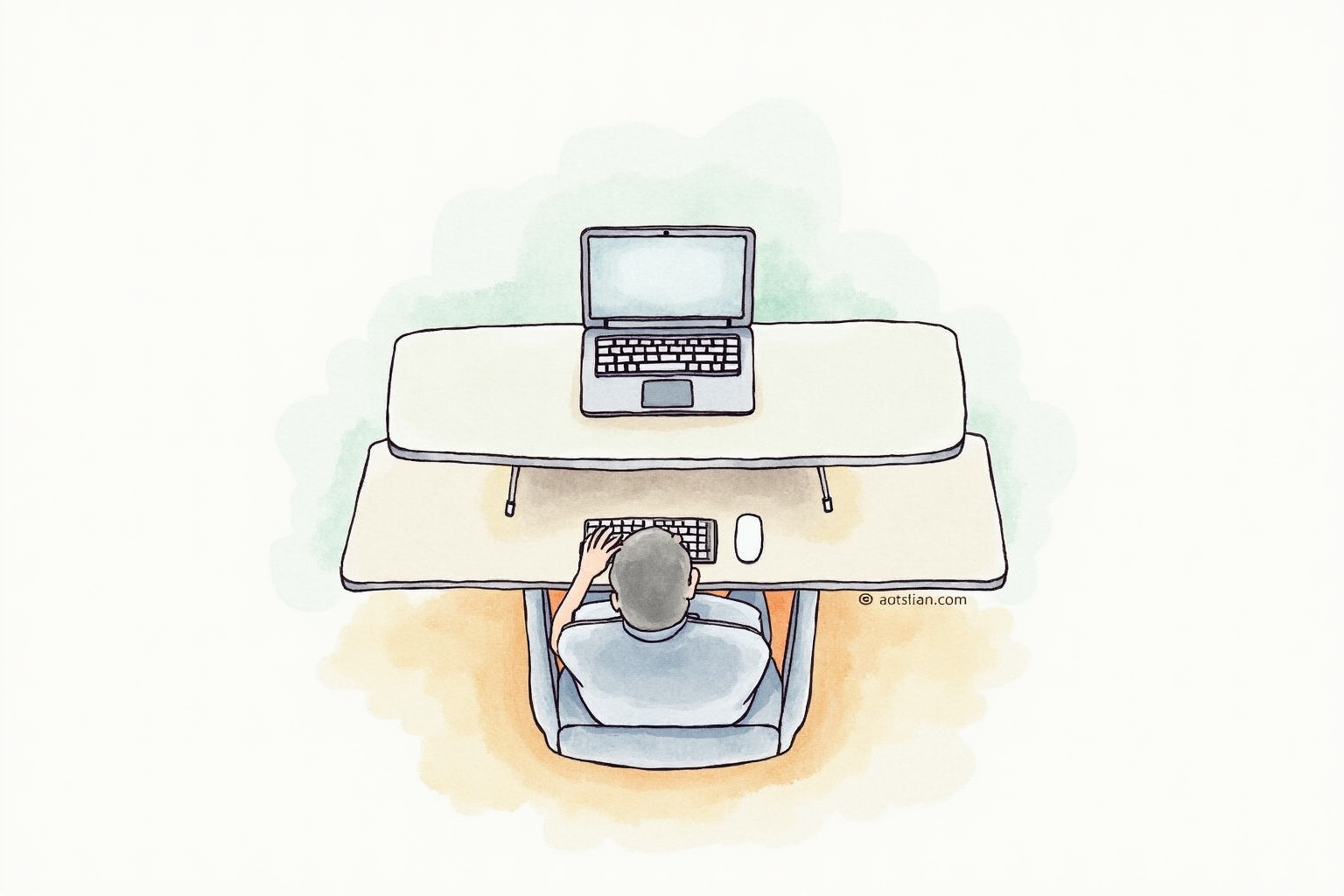
The standing desk converter is the practical alternative to buying a full standing desk. For $200-450, you transform any existing desk into a sit/stand workstation. After 18 months testing FlexiSpot, Varidesk, and budget alternatives, here’s the honest assessment of when converters deliver and which models earn their cost.
Why Converters Make Sense
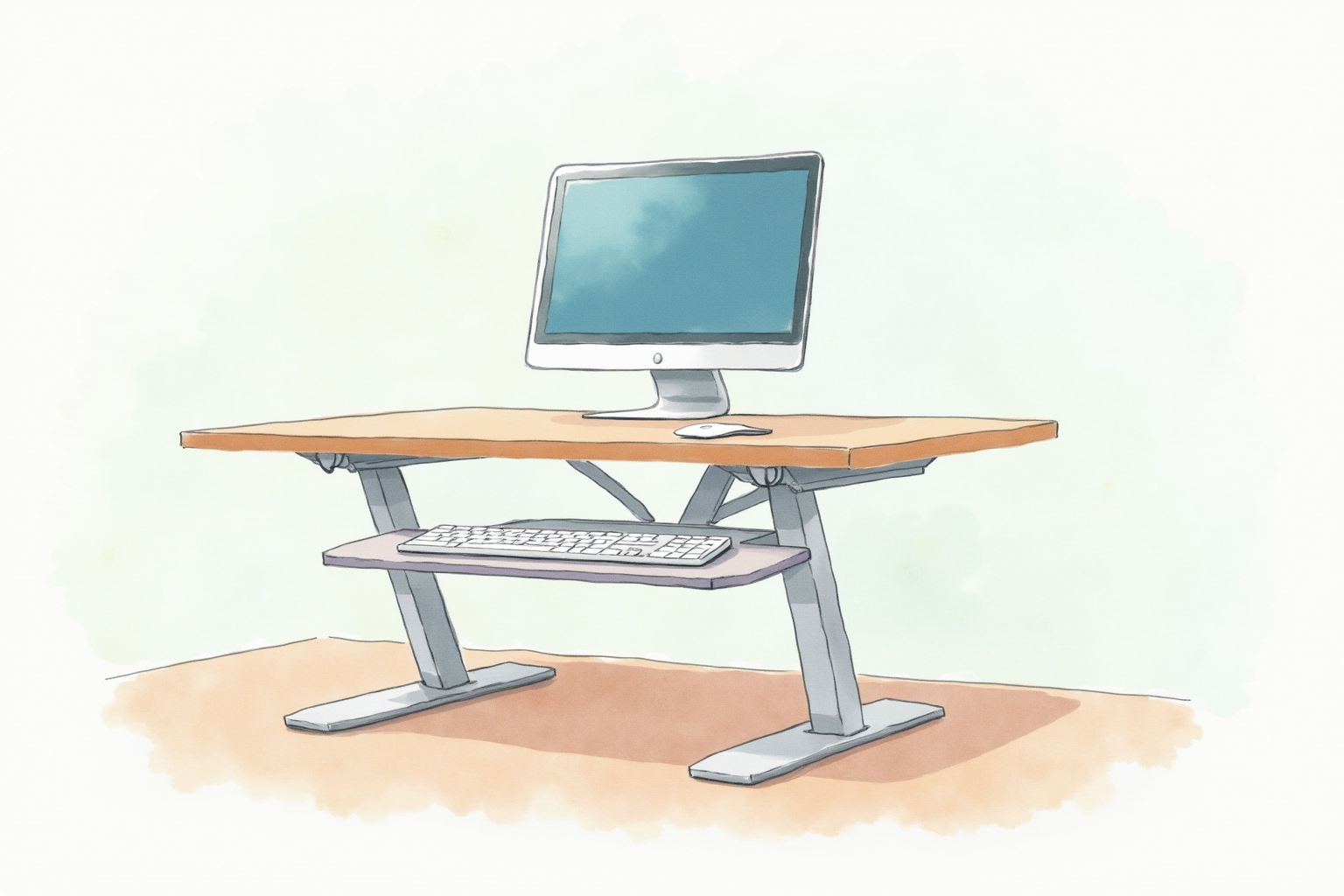
Cost: $200-450 vs $400-1200 for full standing desks.
No furniture replacement: Sits on existing desk. Move it when you move.
Reversibility: Lower it for sitting, raise it for standing. Same workspace serves both modes.
Footprint: 24x36 inch typical. Fits on any standard desk surface.
Quick setup: Out of box to working in 10 minutes (just place on desk).
The downside: workspace area smaller than full standing desk surface. Most converters provide 24-36 inches of width.
The Major Players
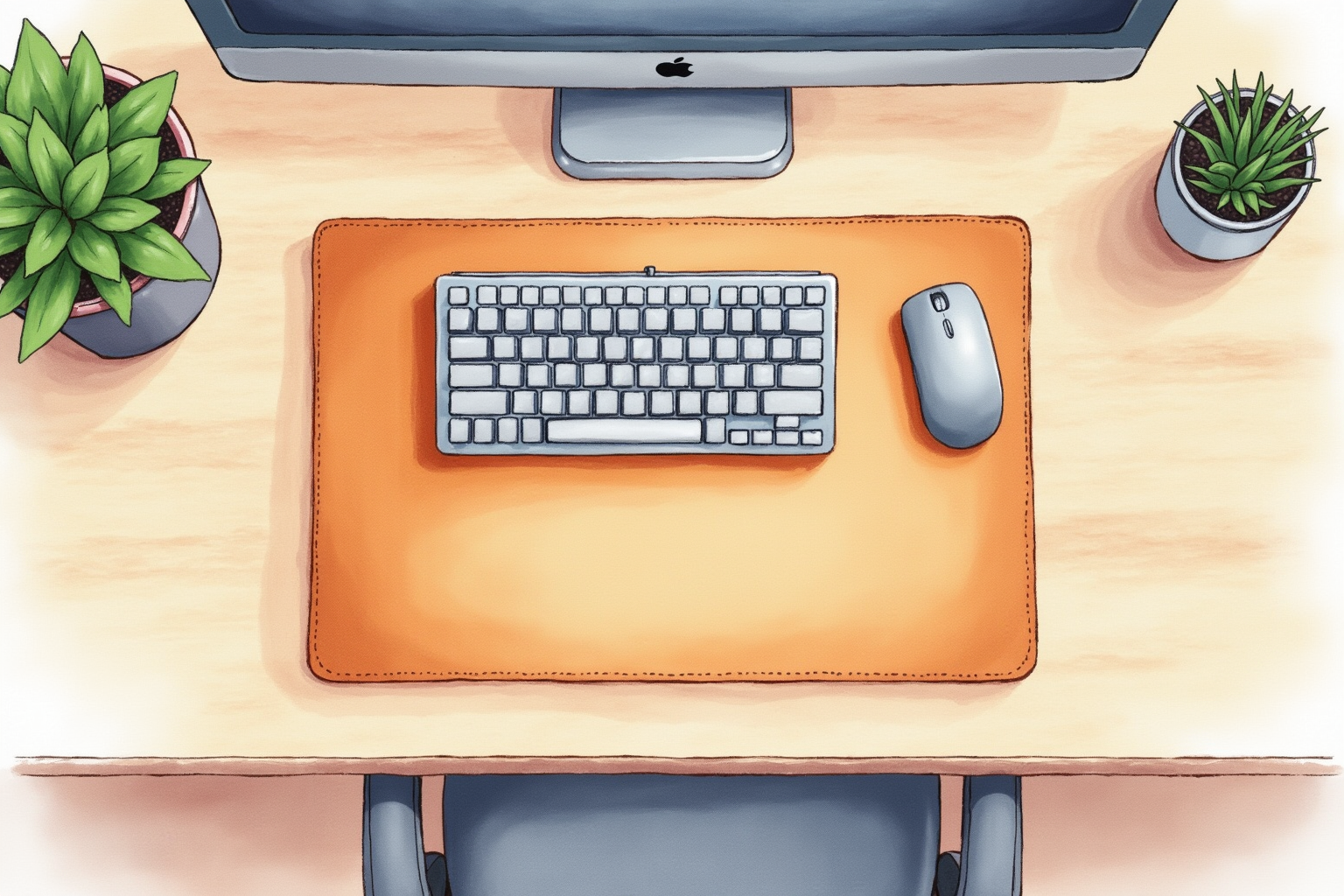
FlexiSpot M7B ($200-280): Best value. Smooth gas-spring lift, X-frame stability, 35-pound monitor capacity. The dominant home office pick.
Varidesk Pro Plus 36 ($395-450): Industry standard. Instant height lock, premium build, 14 height positions. Commercial-grade.
Mount-It Standing Desk Converter ($120-180): Budget option. Adequate quality for occasional use.
WorkEZ Best ($250-320): Mid-tier. Independent monitor + keyboard tray heights.
For most home offices: FlexiSpot M7B is the dominant pick. Premium goes to Varidesk for commercial environments.
Health Benefits Reality
The research is nuanced:
Documented benefits: Reduced sedentary time, improved energy levels, lower back pain in some studies, reduced afternoon fatigue.
Less clear: Direct cardiovascular improvement, weight loss claims, long-term metabolic effects.
Mayo Clinic: Standing 2-4 hours daily breaks up sedentary patterns. Whole-body movement matters more than just standing.
Cornell Ergonomics: Standing >4 hours daily creates its own problems (lower back, foot pain).
For most users: converter provides genuine benefit if used 1-3 hours daily and combined with regular walking breaks.
Lift Mechanisms
Three main approaches:
Gas-spring: FlexiSpot M7B. Pneumatic assist makes lifting effortless. Smooth, easy adjustment.
Mechanical levers: Some budget options. Manual handle-pump to raise. More effort required.
Electric motor: Premium converters (some Varidesk models). Push button raises/lowers. Smoothest but most expensive.
For most users: gas-spring (FlexiSpot M7B) is the sweet spot. Mechanical is acceptable for budget. Electric pays back only for users adjusting many times daily.
FlexiSpot M7B Standing Desk Converter
Price · $200-280 — best value standing desk converter with gas-spring lift
+ Pros
- · Gas-spring assist makes raising effortless one-handed
- · X-frame design provides solid stability at standing height
- · 35 lb monitor capacity supports 27 inch and 32 inch displays
− Cons
- · Standing height max 16.5 inch may not suit very tall users (6'4+)
- · Workspace narrower than full standing desks (35 inches)
- · Requires sturdy base desk - shaky desks transfer wobble
Monitor Capacity
Critical specification:
Standard converters: 35-pound monitor capacity (FlexiSpot M7B). Supports 27” 4K monitors.
Heavy-duty converters: 50+ pound capacity. Supports 32-49” monitors or dual-monitor setups.
Single-monitor budget: 25-pound capacity. Adequate for 24” 1080p.
For dual-monitor setups: check converter specifically supports dual mounting. Many converters support only single monitor.
For ultrawide curved monitors: weight is the constraint. Verify converter rated for monitor weight.
Workspace Dimensions
Compare carefully:
FlexiSpot M7B: 35x23 inch workspace. Adequate for single monitor + keyboard + mouse.
Varidesk Pro Plus 36: 36x29 inch workspace. Wider keyboard area.
Mount-It: 30x20 inch. Tighter fit.
For minimal setup (laptop only or single monitor + keyboard): smaller converters adequate. For full setup (dual monitor + keyboard + notebook): wider converters needed.
Stability at Standing Height
The most-overlooked feature:
Cheap converters wobble noticeably when typing at standing height. The wobble grows over months as components loosen.
Quality converters use:
X-frame design: FlexiSpot. Bottom legs cross for triangulation. Excellent stability.
Pneumatic posts: Multiple lifting columns provide redundant support.
Heavy base: Some converters weigh 50+ lbs for stability via mass.
Test before buying if possible: type quickly at full standing height. Wobble >1 cm side-to-side is unacceptable.
Keyboard Tray Considerations
Two designs:
Same height as monitor surface: Simpler, all on one platform. Monitor + keyboard rise together.
Separate lower tray: Keyboard tray hangs below monitor surface. Ergonomically superior (keyboard 4-6 inches below monitor screen).
For ergonomic users: separate tray (WorkEZ Best, Varidesk Pro Plus 36) optimizes both monitor + keyboard heights. For simplicity: same-height platform works fine.
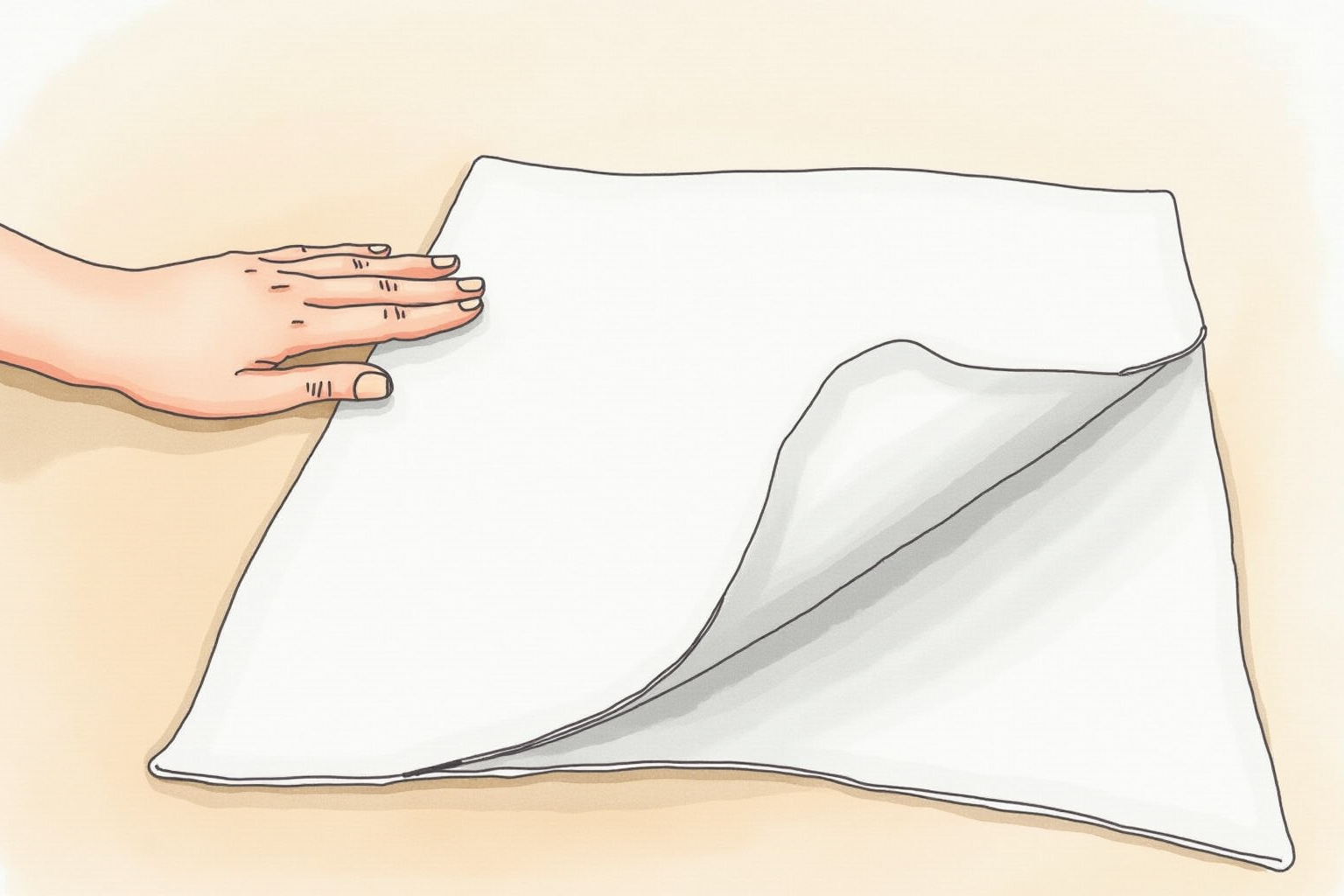
Anti-Fatigue Mat Requirement
Mandatory accessory for standing desk users:
Cost: $30-80 Function: Cushions feet from hard floor pressure, encourages micro-movements Without it: Most users abandon standing desk within 2-3 weeks due to foot pain With it: Comfortable 1-2+ hour standing sessions become sustainable
Recommended: ErgoFlooring, Sky Mat, Imprint Comfort Mat. All $30-80 in 0.75-1 inch thickness.
For users who plan to ignore this: skip the standing desk converter entirely. Without mat, hours of standing causes more pain than sitting.
Height Range Verification
Critical for tall and short users:
Standing height when raised should put your bent elbows level with keyboard.
Sitting height when lowered should match your desk height (no awkward step-down).
Tall users (6’2”+): verify max standing height. Some converters cap at 16-17 inches above desk surface = inadequate for tall users.
Short users (under 5’4”): converters often have minimum height requirement. Combined with standard desk height, may not lower far enough.
Measure your elbow-to-floor when standing. Add 1-2 inches for proper keyboard height. Compare to desk + converter standing height.
Sitting Mode Comfort
When lowered for sitting:
Best: Converter sits flush on desk, indistinguishable from regular desk surface.
Mediocre: Converter creates 1-2 inch ridge between converter and desk. Awkward but workable.
Worst: Converter doesn’t fully lower, forcing you to sit with arms elevated.
For users who’ll sit 60-70% of time: prioritize models with proper sitting mode (FlexiSpot M7B excels here). Most converters now handle this well, but older models had this problem.
Varidesk Pro Plus 36
Price · $395-450 — commercial-grade standing desk converter
+ Pros
- · Premium build quality with 14 instant height positions
- · Spring-loaded levers raise platform smoothly
- · Industry standard in commercial offices for 10+ years
− Cons
- · Premium pricing vs FlexiSpot equivalent
- · Heavier than budget converters (45 lbs)
- · Same workspace size as FlexiSpot for double the cost
Cable Management
Standing desk converters create cable management challenges:
When raised: cables stretch from desk to elevated monitor. Often pull tight, look messy.
When lowered: cables coil up between converter and desk. Tangle.
Solutions:
Cable management arm: Some converters include built-in cable channel.
Velcro strap bundles: Group cables, attach to converter back.
Power strip on converter: Mount strip on converter back. Cables stay short.
For clean appearance: invest 30 minutes in cable management. Without it, converter looks messy when raised.
Workflow Integration
Best practices:
Morning: Start sitting for focused deep work.
Mid-morning: Stand for 30-45 minutes during emails, meetings, or routine tasks.
Lunch: Walk for 15-30 minutes.
Afternoon: Alternate 30 sit / 30 stand.
End of day: Lower for sit-down wind-down period.
Many users find standing during calls and email/admin tasks works well (energy boost). Sitting for deep coding/writing maintains focus.
Common Pitfalls
Standing too long initially: Foot and back fatigue. Start with 15-30 minute sessions, gradually increase.
Skipping anti-fatigue mat: Major mistake. Always pair converter with mat.
Wrong height: If keyboard height wrong, posture suffers. Adjust to elbows at 90 degrees.
Cheap converter on shaky desk: Wobble multiplies. Either upgrade converter or stabilize desk first.
Monitor at wrong height in standing: Use VESA arm on converter to maintain eye-level monitor in both modes.
Bottom Line — Pick Your Use Case
For most home offices — FlexiSpot M7B at $200-280. Best balance of cost, stability, and workspace. The default pick for converter shoppers.
For commercial-grade quality — Varidesk Pro Plus 36 at $395-450. Premium build, instant height-lock, 10+ year lifespan. Worth premium for heavy daily use.
For budget — Mount-It Standing Desk Converter at $120-180. Adequate for occasional use. Less stable than FlexiSpot but functional.
For dual-monitor setups — heavy-duty converters with 50+ lb capacity (FlexiSpot M7L or similar).
Pair with: anti-fatigue mat ($30-80) — non-negotiable. Without mat, converter ends up unused within 2-3 weeks.
Avoid: standing desk converters under $100 (instability and durability problems), assuming standing-only mode is healthier (alternation matters more than maximizing standing), skipping anti-fatigue mat (most-common reason users abandon standing desks).