Webcam Resolution Comparison — 2026 Logitech vs Built-In Cameras
Webcams compared on resolution, low-light performance, autofocus, and privacy. Why upgrading from laptop built-in to external camera transforms call quality.

The laptop built-in webcam is often the weakest link in remote work setups. Apple, Dell, HP, and Lenovo built-in cameras pre-2021 deliver mediocre 720p with poor low-light performance. External webcams transform call quality in ways immediately visible to colleagues and clients. After 18 months testing seven webcams from $50 to $250, here’s the honest analysis.
Why Laptop Webcams Underperform
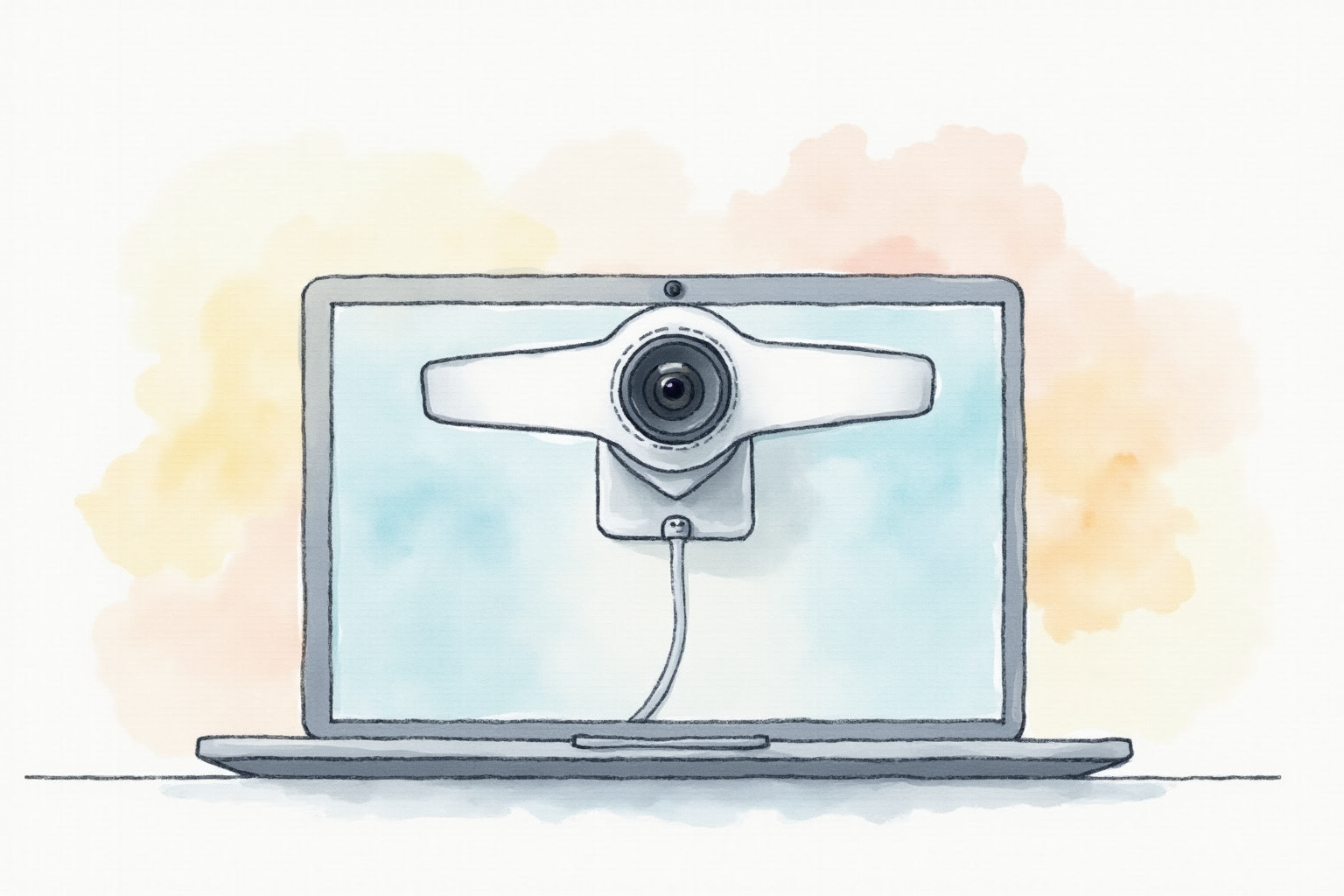
Three reasons:
Physical constraints: Camera module thickness limited by laptop screen thickness (3-7mm). Image sensors and lenses must be tiny.
Cost optimization: Webcam is rarely a buying decision factor. Manufacturers cut costs here.
Position: Often at bottom of screen (Apple MacBook Pro before 2021, Dell XPS) creating unflattering “uplighting” angle.
External webcams escape all three constraints. Result: better image quality, better positioning, better lighting.
The Three Major Tiers
Premium: Logitech Brio 4K ($150-200), Razer Kiyo Pro Ultra ($300), Insta360 Link ($250). 4K capable, HDR, premium features.
Standard: Logitech C920 ($60-80), C922 Pro ($80-100), Anker PowerConf C300 ($80-100). 1080p, excellent for most remote work.
Budget: Logitech C270 ($25-30), Generic USB webcams ($15-40). 720p-1080p, basic features.
For most users: standard tier delivers maximum value. Premium tier is for specific use cases (streamers, content creators).
Resolution Reality Check
Common misconception: “I need 4K for sharp video calls.”
Actual reality:
Zoom default: Sends 720p, scales up at receiver Teams default: 720p in groups, 1080p in 1:1 Google Meet: 720p default, 1080p in premium plans WebRTC bandwidth-limited: Often drops to 480p on weak connections
So 4K webcam streams 1080p or 720p actually used. The 4K capability provides:
- Reserve resolution when conditions allow
- Sharper image when downscaled
- Future-proofing as call platforms improve
For practical use: 1080p webcam delivers identical perceived quality on most platforms. The premium for 4K rarely pays back in better-perceived video.
Low-Light Performance Matters More

Most home offices have inadequate lighting:
Built-in laptop cameras: Struggle below 300 lux (dim home office at evening) Premium webcams (Logitech Brio): Function down to 30-50 lux Specialized low-light webcams: Function in near-darkness
For users with controlled lighting (good window or task lights): any webcam works. For users in dim home offices: low-light performance matters more than resolution.
Logitech Brio’s RightLight 3 HDR handles dim rooms remarkably well. Same room with built-in MacBook camera looks noisy and dark.
Logitech C920 Pro HD
Price · $60-80 — best value 1080p webcam
+ Pros
- · 1080p@30fps with excellent color reproduction
- · Autofocus works smoothly without hunting
- · Universal compatibility (plug-and-play USB)
− Cons
- · No physical privacy shutter (small sliding cover would help)
- · Microphone quality decent but not professional
- · Stand grip works on most monitors but not all
Autofocus Quality
Critical for users who lean forward/back during calls:
Logitech C920/C922: Autofocus hunts noticeably during conversation. Sometimes “breathes” in/out.
Logitech Brio: Faster, more accurate autofocus. Less noticeable hunting.
Insta360 Link: Best autofocus among tested. AI tracking follows face if you move.
Razer Kiyo Pro Ultra: Fixed-focus option avoids hunting issues entirely.
For static users (sit still during calls): any autofocus works. For dynamic users (move, lean, gesture): premium autofocus matters.
Field of View
Standard 60-78° field of view shows your face + slight background. Some webcams offer wider angles:
60°: Conservative, mostly face. Good for hiding messy backgrounds.
78°: Standard. Shows face + close background.
90°+: Wide-angle. Captures more environment. Best for showing project on desk, or for multi-person meetings.
For solo callers: 60-78° optimal. For showing physical workspace or hosting multi-person: 90°+ helpful.
Privacy Features
Physical privacy covers matter:
Logitech Brio: Built-in plastic privacy cover slides over lens.
Logitech C922: No built-in cover. Use $5 third-party slider.
Razer Kiyo Pro Ultra: Built-in metal shutter.
Insta360 Link: Auto-rotates lens down when in “private mode.”
For users without webcam shutters: simple sticker or sliding cover ($5-10) eliminates accidental on-camera moments. Highly recommended for all webcams without built-in cover.
Built-in vs External Microphone
Modern webcams include microphones:
Premium webcams: Decent mic, adequate for casual calls.
Standard webcams: Mic okay but inferior to dedicated headset.
Budget webcams: Mic noticeably worse than dedicated.
For pure functionality: webcam built-in mic works for most calls. For professional polish: pair webcam with dedicated USB headset or microphone (see our headset-microphone-tested article).
Mounting and Positioning
Where to position webcam:
Above monitor center: Natural eye-line to camera. Looks engaged.
Below monitor: Worst position. Creates uplighting, sees up nose. Avoid.
Side of monitor: Acceptable for showing physical workspace.
Tripod-mounted: For specific shots (showing physical demo, full body for fitness streaming).
Most external webcams include clip mounts for monitor tops. Adequate for 95% of users.
AI Features (2024 Era)
Modern webcams add AI-powered features:
Auto-framing: Detects face and keeps you centered as you move. Insta360 Link, Logitech Brio.
Background blur: Built into webcam software. Or use Teams/Zoom built-in.
Eye contact correction: Adjusts your gaze to appear at camera. NVIDIA Broadcast (free, requires Nvidia GPU).
Lighting compensation: HDR or LightFix balances exposure across face vs background.
For typical use: software-based (Teams/Zoom) features adequate. For professional content creators: hardware-based AI features in premium webcams provide better quality.
Logitech Brio 4K Pro
Price · $150-200 — premium 4K webcam with HDR
+ Pros
- · 4K capable with excellent HDR for varied lighting conditions
- · Built-in privacy shutter and 5x digital zoom
- · Works with Windows Hello facial recognition
− Cons
- · 4K resolution rarely usable on standard meeting platforms
- · Premium price for marginal real-world quality vs C920
- · Larger size than standard webcams
Mac and PC Compatibility
USB webcams work universally via UVC (USB Video Class) standard. Plug into any USB port, recognized as camera in any meeting app.
Apple Studio Display has built-in 12MP camera but reviews are mixed. Many users prefer external Logitech webcams clipped on top of Studio Display.
Premium webcams (Logitech Brio, Razer Kiyo Pro Ultra) often require companion software for full features (HDR, auto-framing). Without software, they work as basic webcams.
Lighting Pairs Better Than Better Cameras
For dramatic call improvement at low cost:
Webcam alone: Limited by available lighting.
Webcam + ring light ($30-100): Even illumination on face. Dramatic improvement.
Webcam + softbox lights ($60-200): Professional lighting setup. Best image quality.
For users in dim rooms: $60-100 ring light beats $200 premium webcam upgrade for face appearance. Better lighting >>> better camera.
DSLR/Mirrorless as Webcam
For premium video quality:
Many modern Sony, Canon, Fuji cameras can function as webcams via:
Webcam software: Sony Imaging Edge Webcam, Canon EOS Webcam Utility. Free downloads.
Capture cards: Elgato Cam Link 4K ($120) connects HDMI camera to USB. Works with any camera.
Quality: dramatically better than any webcam. Shallow depth of field, professional color, low-light excellence.
Trade-offs: $1000+ camera body + $300+ lens + $120 capture card = $1400-2000+. Power and heat management issues. Practical only for content creators.
For 99% of remote workers: dedicated webcam more practical. For YouTubers and streamers: camera-as-webcam can be justified.
Common Issues
Image quality despite premium webcam: Often poor lighting. Add ring light first.
Background distractions: Use virtual background in Teams/Zoom rather than upgrading camera.
Connection drops: USB 3.0 port preferred for 4K webcams. Use directly into laptop, not through cheap hub.
Audio echo: External webcam mic + laptop speakers creates echo. Use headphones or set webcam mic + external speaker carefully.
Bottom Line — Pick Your Use Case
For most remote workers — Logitech C920 Pro HD at $60-80. Standard 1080p, autofocus, excellent value. The default that 90% of users need.
For premium feel and 4K — Logitech Brio at $150-200. Best HDR, privacy shutter, premium quality. Worth premium for daily heavy users.
For streamers and content creators — Razer Kiyo Pro Ultra at $300 or Insta360 Link at $250. Professional features, AI tracking, broadcast quality.
For budget — Logitech C270 at $25-30. Adequate for casual calls. Upgrade when ready.
For maximum quality — DSLR/mirrorless + Cam Link 4K. Professional approach for content creators with existing camera.
Avoid: relying on laptop built-in webcam for daily professional video calls (image quality signals unprofessionalism), assuming higher resolution = better quality (4K rarely used in practice), skipping privacy shutter (5-second habit eliminates risk).