Cable Management Solutions — 2026 Best Tools for Clean Desks
Cable management solutions compared on cost, effort, and aesthetic impact. Velcro straps, cable trays, and raceways for transforming messy desks into clean workspaces.
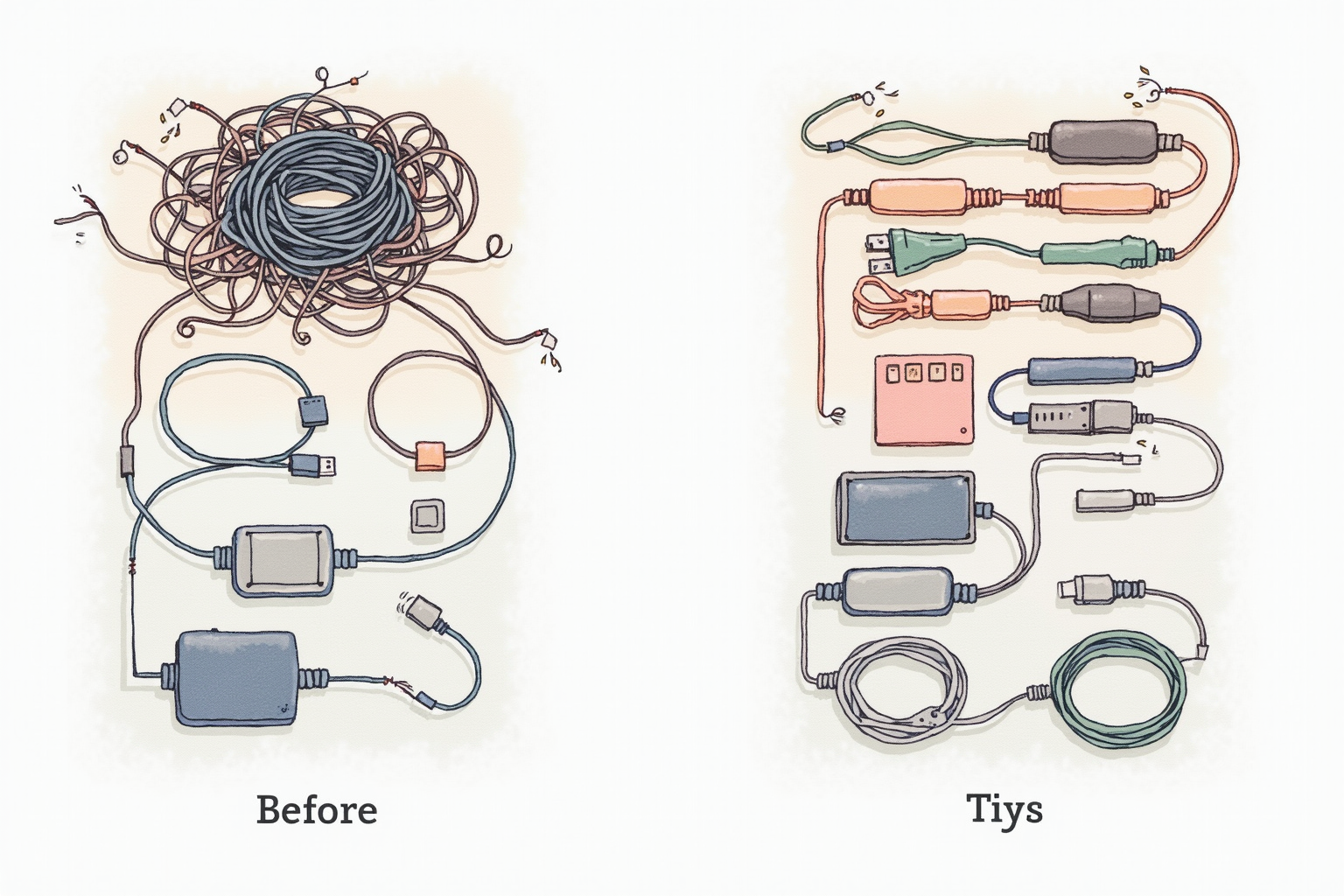
Cable management is the single highest-impact, lowest-cost workspace upgrade. A $30 investment transforms cluttered desk chaos into clean professional space. The visual difference is dramatic — same desk and equipment looks 10x more professional with managed cables. After 12 months refining cable management across three desk setups, here’s the practical guide.
The Cable Chaos Problem

Typical home office has 10-20 cables visible:
- Laptop power adapter brick + cable
- Monitor power + display cable
- Webcam USB cable
- Keyboard USB cable (or wireless dongle)
- Mouse USB cable (or wireless dongle)
- Headset/headphone cable
- Phone charger cable
- Speaker cables (if any)
- Ethernet cable (if any)
- UPS/surge protector cables
- Holiday lights, USB hub cables
Without management: cable spaghetti behind desk. With management: clean professional appearance.
The Tools Hierarchy
Velcro reusable straps ($5-10/pack): Most-used cable management tool. Replace zip ties.
Self-adhesive cable clips ($5-10/pack): Route cables along desk edges, walls.
Cable sleeves/mesh ($10-15): Bundle multiple cables into single clean tube.
Power strip + surge protector ($15-40): Centralize all AC power.
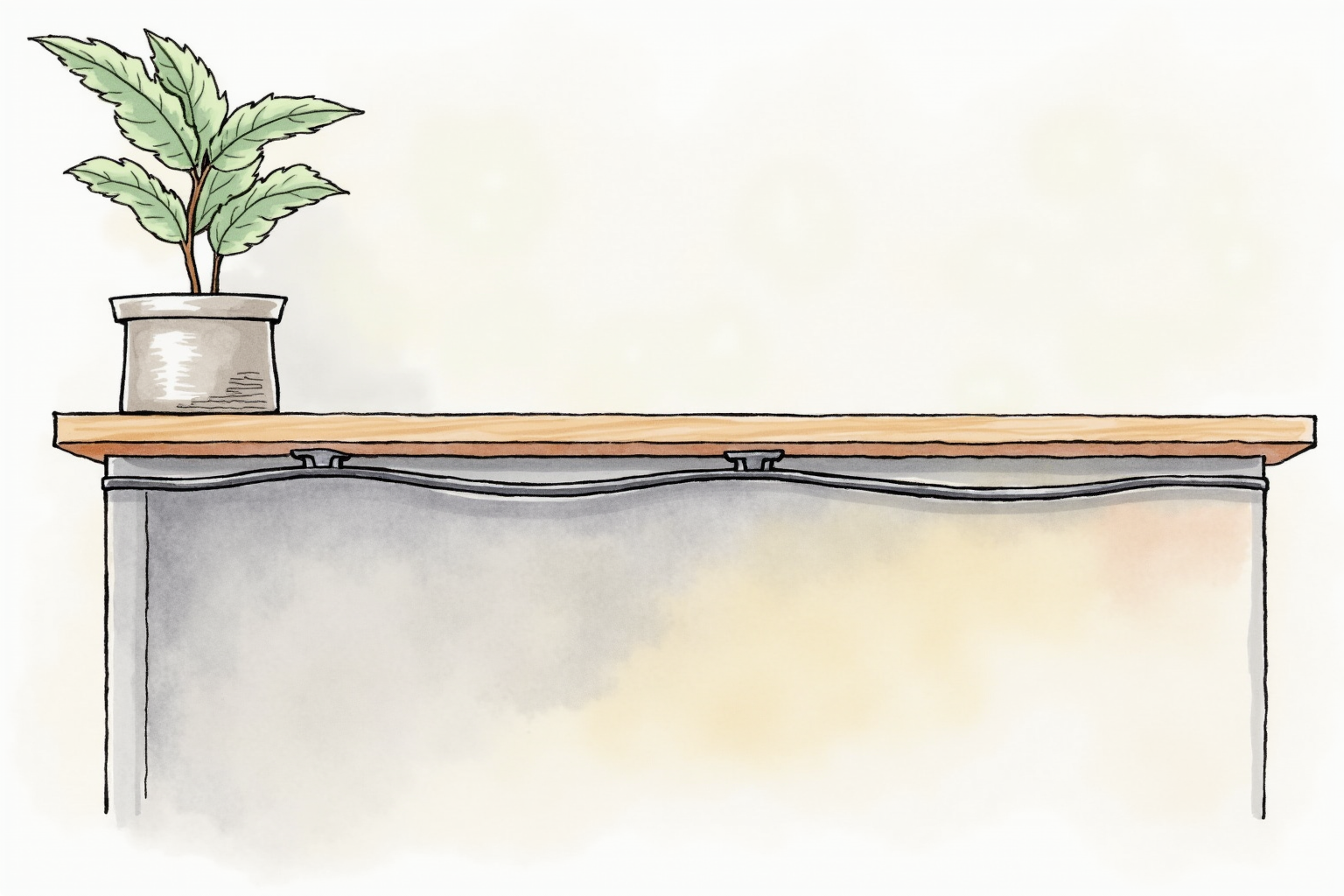
Cable tray under desk ($30-80): Hide power strip + cables.
Cable raceway on wall ($15-30/foot): Hide cables routing along walls.
Cable box/cover ($40-60): Hide power strip + adapters from view.
Start with $30-50 starter kit, build up over time.
Velcro Straps: The Foundation
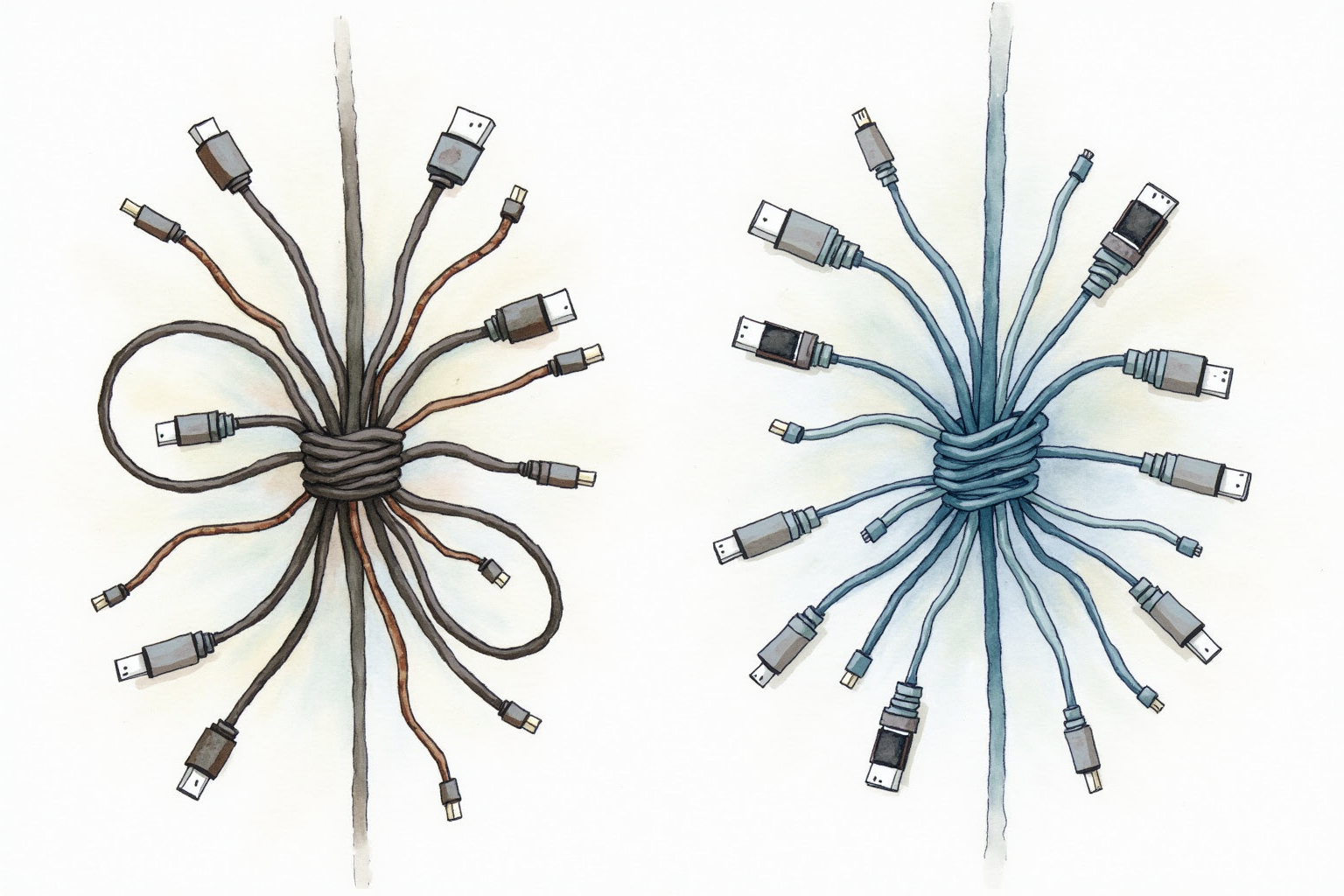
Reusable velcro cable straps replace one-time zip ties:
Pros: Reusable, adjustable, no cable damage, easy to add/remove cables.
Cons: $5-10 vs zip ties at $3/pack.
Velcro Brand One-Wrap straps ($8-12 for 50-pack): Industry standard. Excellent grip, long lifespan.
Generic alternatives ($4-7 for 50-pack): 80% of quality at 50% of cost. Adequate for most users.
For all cable bundling: use velcro. Zip ties create permanent installations that frustrate future changes.
Cable Sleeves/Mesh

Group 3-10 cables into single clean bundle:
Velcro-closure sleeve ($10-15 for 10 ft): Wrap around cables, secure with velcro. Easy to add/remove cables.
Stretchy mesh sleeve ($5-10 for 10 ft): Permanent installation, but flexible. Pull cables through.
Cable trunking/conduit ($15-25 for 10 ft): Hard plastic channels. Most rigid solution.
For most desks: velcro-closure sleeve. Easiest to add cables when getting new device.
JOTO Cable Management Sleeve Kit
Price · $15-25 — flexible cable sleeves with multiple sizes
+ Pros
- · Velcro closure allows easy cable addition/removal
- · 10 ft total length covers most desk runs
- · Multiple diameter sizes accommodate different cable counts
− Cons
- · Less premium look than dedicated cable trays
- · Velcro can come loose under heavy cable load
- · Requires bundle reorganization when adding many cables
Under-Desk Cable Tray
The premium cable management solution:
J Channel Cable Tray ($30-50): Mount under desk back edge. Hold power strip + cables. Most popular.
IKEA SIGNUM Cable Tray ($25-35): Functional, affordable, matches IKEA desk aesthetics.
OXO Good Grips Cable Tray ($40-60): Premium build quality. Handles heavier loads.
Installation: 4 screws into underside of desk. 15-30 minutes. Most desks accommodate without modification.
Benefits:
- Hides power strip completely
- Excess cables stored neatly
- Vacuum-friendly (no cables hanging)
- Doesn’t damage desk surface
For permanent setups: under-desk tray is the upgrade that elevates cable management from functional to elegant.
Cable Raceway/Channel
For cables routing along walls or visible desk edges:
Wire Tracker Raceway ($15-25 for 6 ft): Plastic channel, self-adhesive. Hides cables against walls.
ALEX Multi-Channel Raceway ($20-30): Multi-compartment for separated power/data cable runs.
Generic raceway ($15-25): Multiple brands, similar function.
Installation: peel-and-stick adhesive backing. Cut to length with utility knife. 30-60 minutes for full room.
For renters: raceways remove cleanly if you don’t apply weight to extremes. Paint over for permanent installation.
Power Strip Selection
Critical centralized infrastructure:
APC SurgeArrest ($20-30): Industry standard surge protection. 8-12 outlets, joule rating 1000+.
Tripp Lite Eco-Surge ($25-40): Premium surge protection with sleep timer.
Belkin Conserve Switch ($30-50): Includes master switch — turns off non-essential devices when computer off.
Anker PowerStrip with USB-C ($40-60): USB-C PD ports built-in, eliminates need for separate adapters.
For most users: APC SurgeArrest 8-outlet is the dominant pick. For premium setup: Anker PowerStrip with USB-C reduces brick count.
Cable Box for Adapters
Hide ugly adapters and excess cable:
Bluelounge CableBox ($40-60): Premium cable box. Holds power strip + adapters out of sight.
IKEA SIGNUM Cable Box ($25-35): Functional alternative at lower cost.
Generic cable boxes ($15-30): Adequate for typical use.
Cable box hides:
- Power strip
- Laptop charging brick
- USB hub
- Excess cable lengths
- Modem/router (small ones)
For desks where visible cables can’t be eliminated: cable box transforms appearance.
The USB-C Dock Solution
For laptop users: USB-C dock eliminates many cables:
Before USB-C dock: Laptop has 4-7 cables (power, monitor, USB, etc.)
After USB-C dock: One cable to laptop. Dock handles everything.
The single-cable laptop dramatically simplifies cable management. See our usb-c-dock-tested article for dock recommendations.
For premium desk setups: USB-C dock + under-desk tray = near-invisible cabling.
IKEA SIGNUM Cable Management Tray
Price · $25-35 — affordable under-desk cable tray
+ Pros
- · Mounts under desk to hide cables and power strip
- · Steel construction supports heavy load
- · Easy 15-minute installation with included screws
− Cons
- · IKEA-only availability or third-party Amazon resellers
- · May not match non-IKEA desks aesthetically
- · Limited capacity for very large cable bundles
Step-by-Step Installation
Day 1 (2 hours): The basics
- Unplug everything from desk
- Sort cables by destination (monitor, peripherals, charging)
- Install power strip (mount under desk if possible)
- Velcro-bundle cables going to same destination
- Use cable clips to route bundles along desk edges
- Reconnect devices
Day 2 (1 hour): Refinement
- Install under-desk cable tray
- Mount power strip and bricks in tray
- Route excess cable lengths into tray
- Cable sleeve external bundles
Day 3 (30 minutes): Polish
- Cable raceway any wall runs
- Label cables for easy identification
- Photograph final setup for future reference
Total: 3-4 hours initial setup. Pays back in years of clean appearance and easy maintenance.
Common Pitfalls
Permanent zip ties: Locks cables forever. Changing one cable requires cutting and replacing. Use velcro.
Hidden coffin cable bundles: 50 cables bundled into one massive sleeve. Looks neat but unmaintainable. Smaller bundles.
No cable labels: When you need to unplug one specific cable, identifying it among 20 is frustrating. Label both ends.
Cheap power strips: $5 power strips have inadequate surge protection. Quality $20-40 strip protects $1000+ equipment.
Forgetting future expansion: Adding new device 6 months later requires undoing all management. Leave extra capacity in sleeves/trays.
Wireless Reduces Cables
The most-effective cable management: don’t have cables.
Wireless keyboard + mouse: Eliminates 2 cables.
Wireless headphones: Eliminates audio cable.
Cloud storage: Eliminates external drive cables.
USB-C laptop charging: One cable for power + data.
For every device you wire-eliminate: one less cable to manage. Investment in wireless versions pays back in cable management simplicity.
Maintenance
Cable management requires periodic maintenance:
Quarterly: Inspect velcro straps (replace worn ones), check cable wear, verify clean appearance.
When adding device: Plan cable route before final placement.
When removing device: Remove cable from bundles. Don’t accumulate unused cable spaghetti.
Annual reset: Once yearly, fully reorganize. Clean dust accumulation in trays. Replace degraded components.
Bottom Line — Pick Your Use Case
For most home offices — Starter kit at $30-50 (velcro straps + cable sleeves + power strip) delivers 80% of cable management benefit. Highest ROI.
For permanent setups — Add under-desk cable tray at $30-80 (IKEA SIGNUM or J Channel). Hides all cables completely. Premium appearance.
For visible wall cable runs — Cable raceways ($15-30/section). Match wall color for invisible installation.
For ultimate cleanliness — Combine USB-C dock + under-desk tray + wireless peripherals. Visible cables minimized to one or zero.
For renters — Use removable solutions: velcro straps, on-top raceways with removable adhesive, cable box. Avoid drilling.
Avoid: zip ties (permanent), cheap power strips under $10 (inadequate surge protection), giant single-bundle cable mega-sleeves (unmaintainable), assuming wireless eliminates all need for cable management (you still need power cables, etc.).